Notifications
14. Notifications System
The platform includes a comprehensive multi-channel notification system designed to keep users informed about important activities, updates, and system events in real time. These notifications ensure that tutors and students never miss critical actions such as bookings, payments, or account updates.
14.1 Notification Channels
Users receive notifications through the following primary channels:
-
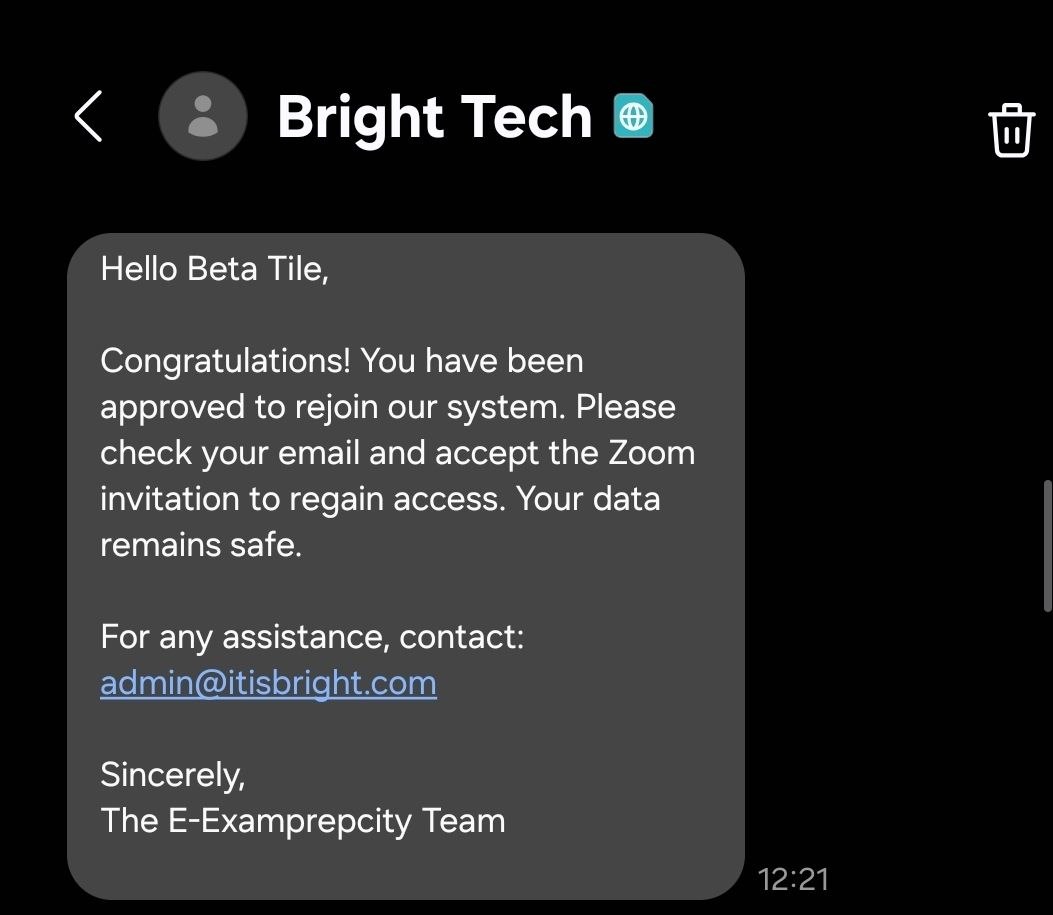
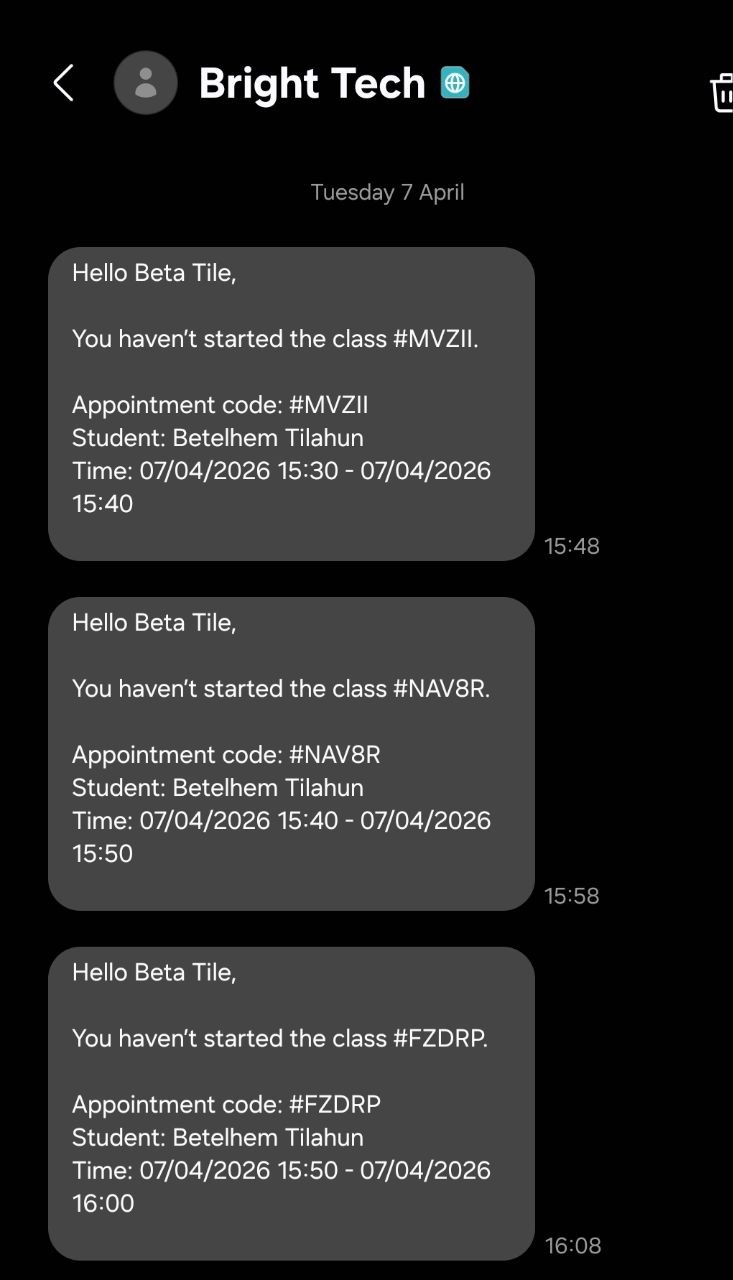
SMS Notifications
Used for time-sensitive alerts such as verification codes, login confirmations, and urgent reminders.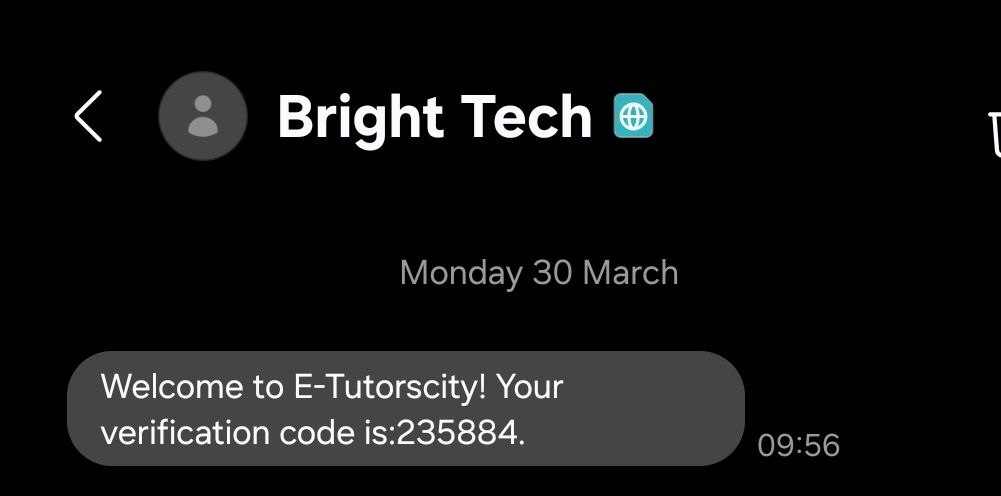
-
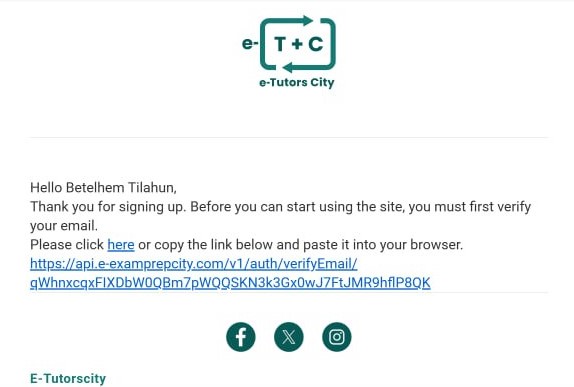
Email Notifications
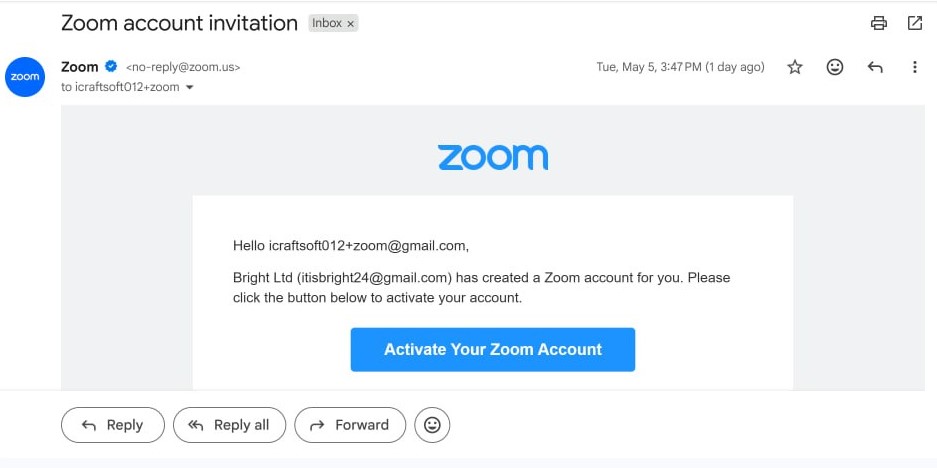
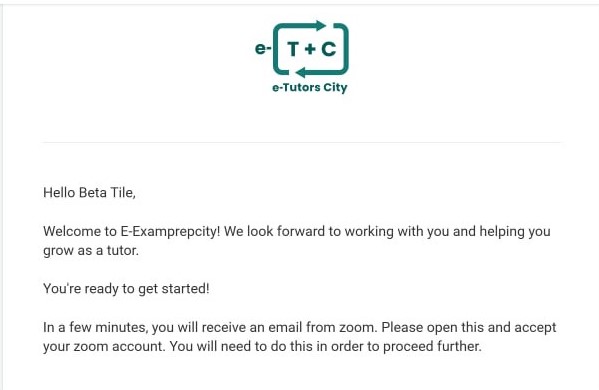
Sent to the user’s registered email address (e.g., Gmail) for Verification, Zoom action, detailed updates, confirmations, and account-related communications.
-
In-App Notifications
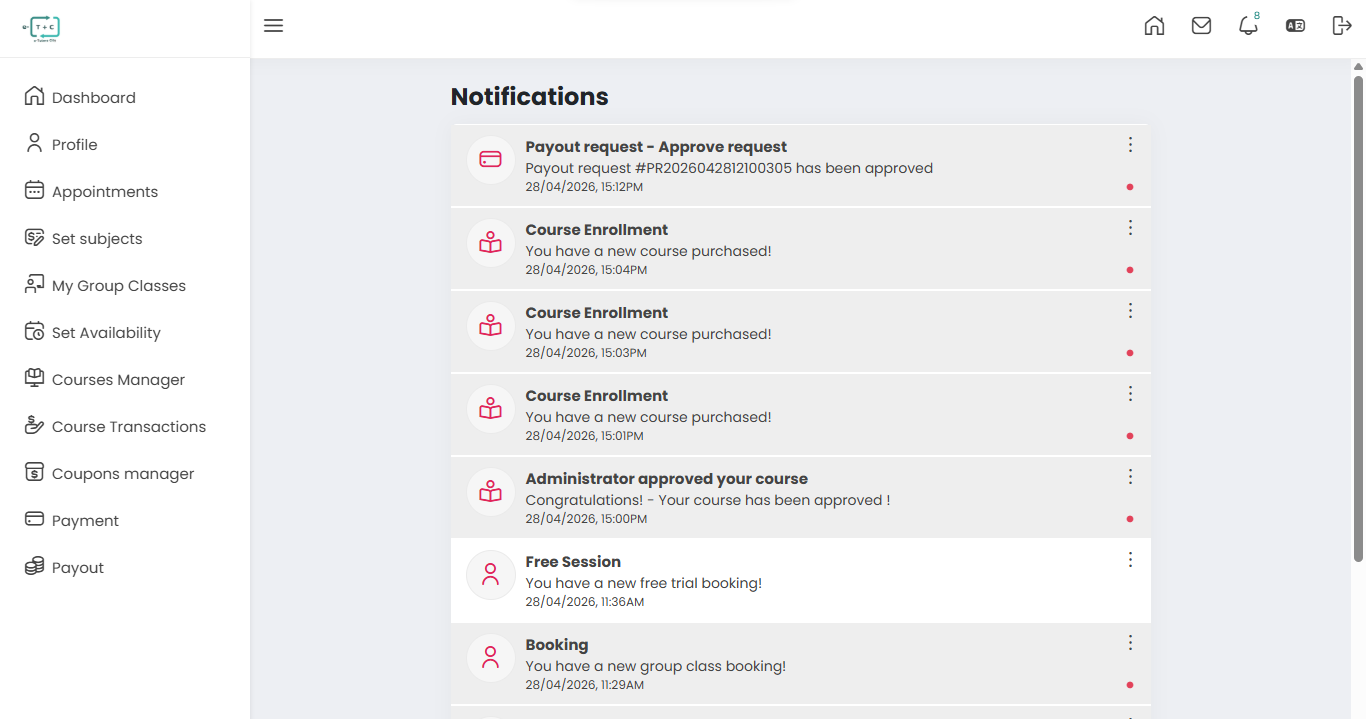
Accessible within the platform dashboard, providing a centralized history of all user activities and system messages. The In-App Notification Center provides a real-time activity log where users can:- View all past and recent notifications
- Track booking, payment, and system updates
- Quickly identify pending actions or missed events
14.2 Notification Types
The system generates different types of notifications based on user activity and system events:
| Notification Category | Delivery Channels | Description |
|---|---|---|
| Verification & Security | SMS / Email | Includes account verification codes, login alerts, and welcome messages (e.g., "Your verification code is: 235884"). |
| Booking & Appointments | In-App / Email | Confirms bookings for group classes, webinars, and trial sessions. |
| Class Reminders | SMS / In-App | Sends alerts for upcoming sessions or missed class start times (e.g., "You haven't started the class #MVZII"). |
| Enrollment Updates | In-App / Email | Notifies users of new course enrollments or administrative approvals. |
| Account & Access | Email / SMS | Includes account activation, approval notifications, and third-party integrations (e.g., Zoom access). |
| Payment & Payouts | In-App | Alerts users when payout requests are processed or approved (e.g., Request ID: #PR2026042812100305). |
14.4 Best Practices
To ensure you never miss important updates:
- Keep your phone number and email address up to date
- Regularly check your In-App Notifications Dashboard
- Enable notifications on your device for real-time alerts
Some critical notifications (such as verification codes and payout updates) are time-sensitive. Delayed action may result in failed logins, missed classes, or payment processing delays.